
FDM 3D printing speed: error-free acceleration, throughput and quality
mm/s alone doesn't tell you how fast a print will be. Find out how to balance speed, acceleration and volumetric flow without losing quality.
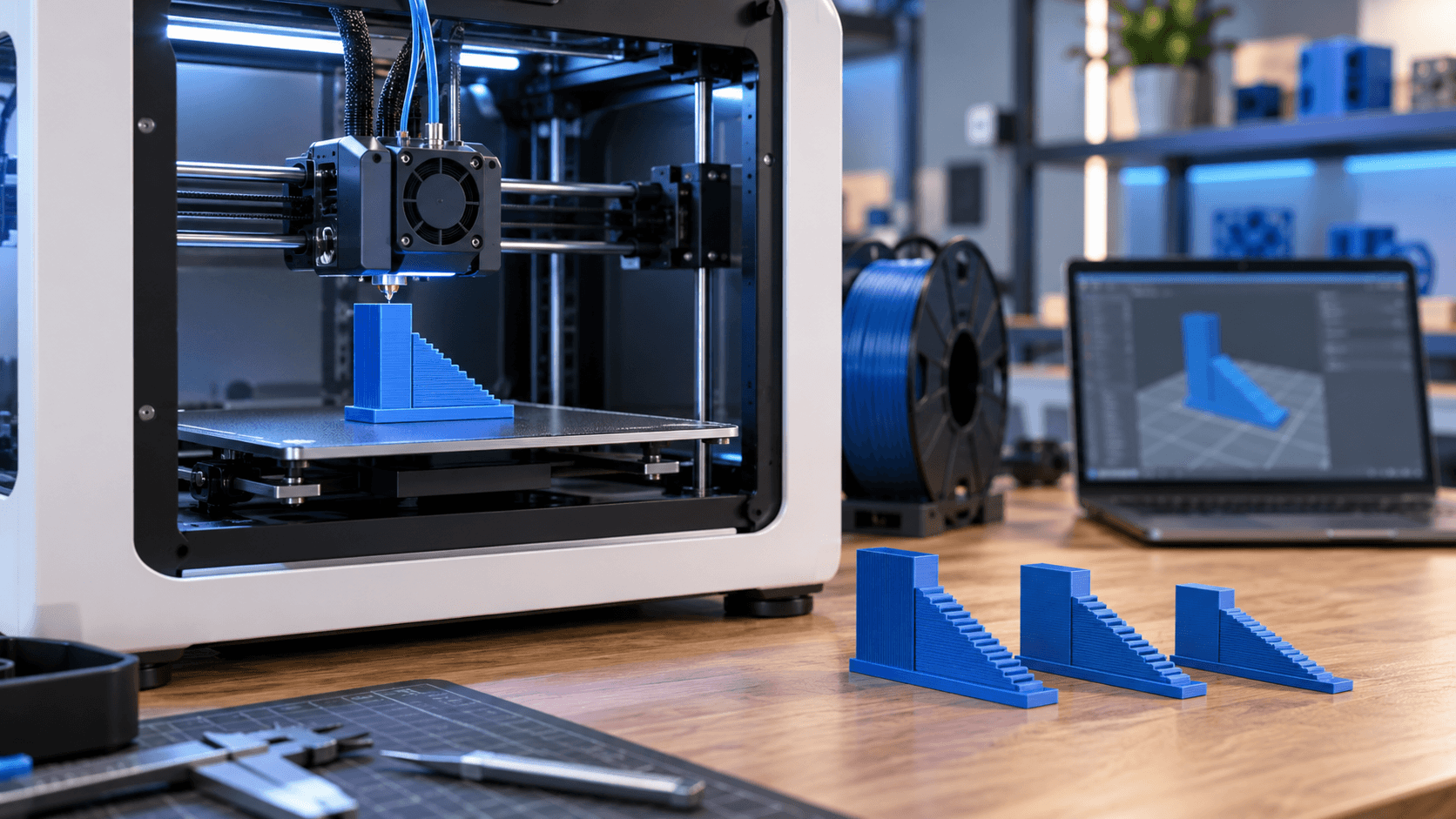
A speed in mm/s does not tell the whole story
When a printer is presented as capable of reaching a certain speed, the number in millimeters per second indicates only how quickly the head can move in a specific condition. It does not automatically describe the real time of the job, the quantity of material that the hotend can melt or the quality obtainable on the piece. A small model, full of curves and short segments may almost never reach the set speed. A large component with long straight sections can instead put a long strain on the extruder, hotend and cooling. Two files with the same nominal speed value can therefore take different times and show different defects. To optimize sensibly, at least three quantities are needed: linear velocity, acceleration and volumetric flow rate. They must be read together with the line type, geometry and material. The goal is not to chase the maximum value of the profile, but to find the fastest combination that remains stable and repeatable.
Speed and acceleration play different roles
Linear speed expresses how quickly a trajectory is traveled. Acceleration defines how quickly the printer goes from one speed to another. If acceleration is conservative, the head may not reach the required speed before having to slow down for a curve. If it is too aggressive for the structure, vibrations, noise, loss of precision and risk of layer displacement increase. Turn management also changes according to firmware and profile. Terms such as classic jerk, junction deviation, or square corner velocity are not equivalent and should not be copied between machines. Marlin, for example, distinguishes print, movement and retraction accelerations and applies further limits in the planner. It is best to start from the official preset of your printer, not from a value found for another kinematics. The lines do not all have to have the same priority. An external wall generally requires greater aesthetic and dimensional control; filling and displacements can accept different strategies. The slicer calculates the result by combining these limits, so raising a single box does not guarantee a proportional saving.
The volumetric flow rate is the limit that is often not seen
The volumetric flow rate indicates how many cubic millimeters of material must pass through the hotend every second. As a first approximation it is obtained by multiplying layer height, line width and linear speed. A wide and tall line therefore requires more plastic than the same trajectory printed with a smaller section. PrusaSlicer uses the maximum volumetric speed as a limiter: if the demand exceeds what the material and hotend can reliably melt, the slicer reduces the speed. The actual capacity depends on the weakest link in the system, i.e. hotend, nozzle, material, temperature and actual conditions. There is no single value that applies to all PLAs, all printers, or every nozzle diameter. When the flow rate is excessive, extruder jerks, underextrusion, incomplete walls and insufficient layer adhesion may appear. Even a change in brightness can signal that the process is entering another thermal condition, but it is not enough on its own to set a limit. The specimen must be examined together with line continuity, mass, dimensions and required strength.
Geometry, cooling and line type change the result
On a small object the printer spends most of its time accelerating and slowing down. On bridges and ledges, the slicer can reduce speed to control unsupported material. If a layer lasts too short, it can slow down the entire path to give the polymer time to cool. For this reason, a time estimate is not always improved by increasing the general limit. The preview check is more useful than just the entered value. View speed, volume flow and time by line type. If almost the entire part is limited by the flow rate, increasing the mm/s further is not necessary. If short segments prevail, it is the acceleration that has the greatest impact. If external walls or overhangs dominate, the bottleneck may be the required quality. Changing layer height, orientation, amount of support material, or nozzle diameter can reduce time more than indiscriminately increasing speed. Each modification, however, changes detail, extruded section and mechanical behavior: it must be verified on the actual application.
Ringing and ghosting: when the structure asks for a limit
Repeated undulations after edges and changes in direction are often called ringing or ghosting. Before compensating them via software, check that the machine, belts, pulleys, table and frame are in the conditions foreseen by the manufacturer. Increasing acceleration on a structure with play does not resolve the cause. Input shaping can reduce the effect of resonances and enable faster movements when supported and calibrated correctly. However, it does not increase the hotend's ability to melt material and does not replace maintenance. The Klipper documentation also warns that stronger shaping can over-round or smooth details; the maximum acceleration must also be chosen by observing the specimen. Pressure advance or similar features help manage pressure in the nozzle during speed changes, but require consistent profile and calibration. They do not transform insufficient flow into reliable flow.
A controlled calibration method
Start with a well-maintained printer and official presets for the machine, nozzle and material. Keep a copy of your initial profile. Then choose a specimen that includes long runs, changes in direction, walls and details representative of the pieces you produce. 1. Check extrusion, first layer, belts, ventilation and spool path. 2. Preview which limits really reduce speed. 3. Measure the stable flow rate following the slicer or machine manufacturer's procedure. 4. Change one variable at a time and use conservative increments. 5. Compare surface area, size, mass, layer adhesion, and actual time. 6. Repeat the test after changes in material, nozzle or hotend components. If you need to increase the temperature to support more flow, stay within the ranges and procedures stated by the manufacturer. Higher temperatures can alter finish, bridges, stringing and material degradation; it's not a universal shortcut.
The best speed is the repeatable one
A production profile must describe machine, firmware, nozzle, material, lot where relevant, conditions and acceptance criteria. The maximum achieved in a short benchmark does not necessarily coincide with the reliable limit of a long print. For functional or critical components, specific tests are also needed: the external appearance does not alone demonstrate mechanical performance. The effective choice arises from the balance: movement compatible with the mechanics, flow rate compatible with the hotend and material, cooling suitable for the geometry and quality consistent with use. This is how speed becomes productivity, instead of moving the time saved towards reprints and waste. Do you want to reduce times without compromising the result? [Contact ADIVO](https://adivo.it/en/contatti) indicating printer, nozzle, material, profile and type of component: we can help you set up a representative test or evaluate the production of the piece.