
9K resin 3D printers: what 18 µm resolution really means
Resolution, XY pixels, speed and post-processing: useful criteria to understand the new MSLA printers beyond the 9K number.
Because the 9K theme is current
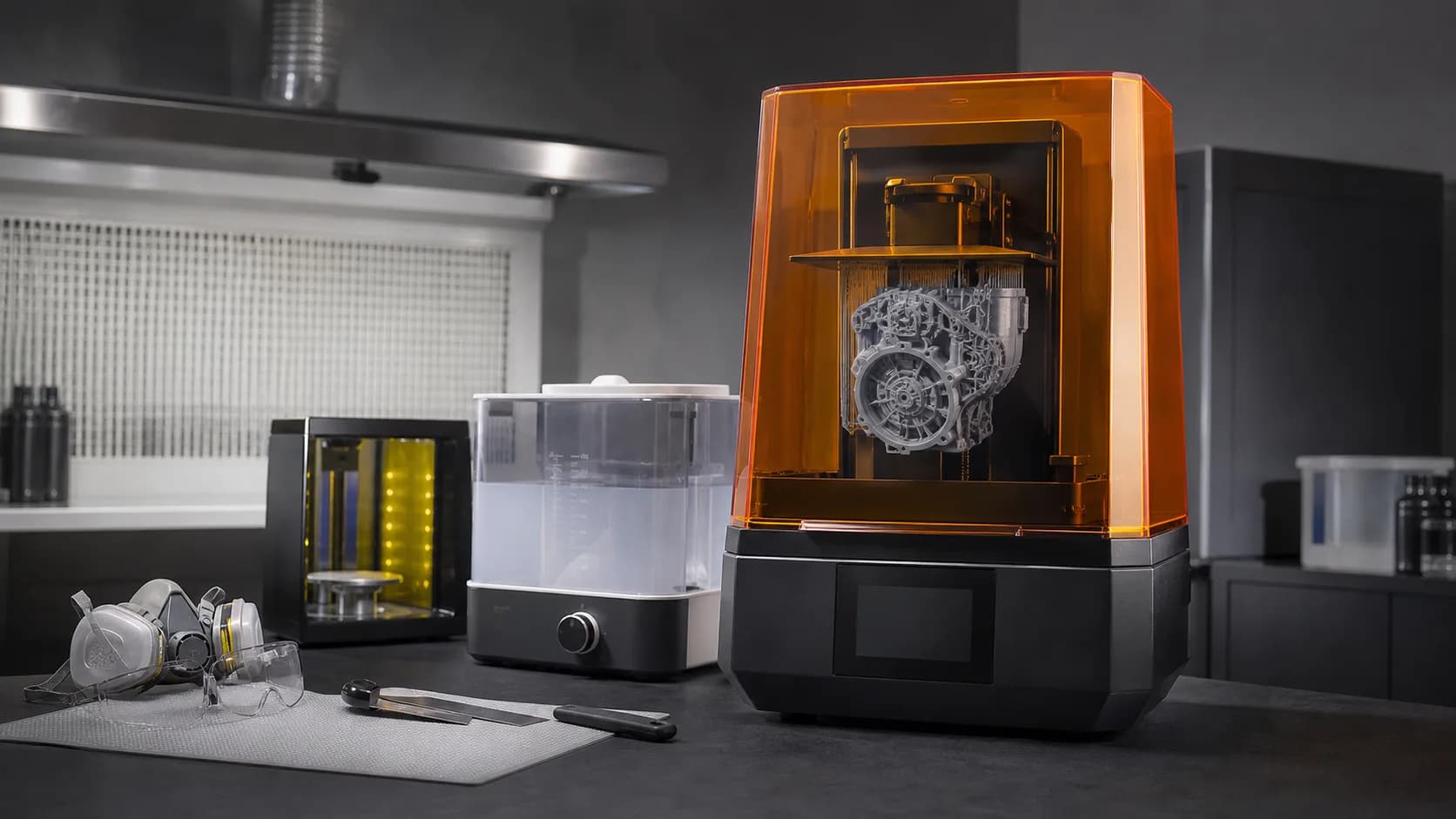
Google searches in Italy show a strong increase for recent models such as the Elegoo Mars 5 Ultra. It is a sign of curiosity towards more defined, faster and automated resin printers. The acronym 9K often appears in product sheets, but this number alone is not enough to predict quality. For example, the Mars 5 Ultra claims a 7-inch 9K monochrome screen and an XY pixel size of 18 micrometers. They are linked data: the total resolution of the screen must always be read together with its dimensions and print area.
What is 18 micrometers
In MSLA printers, each pixel on the screen helps define the section that light cures. An 18 µm XY pixel corresponds to 0.018 mm in the horizontal plane. In theory it allows for very small details and smoother contours. However, it does not mean that every detail of 0.018 mm will be reproduced perfectly. The light diffuses into the resin, the exposure widens the cured areas and the material changes size during printing and post-curing. Tank film, temperature and calibration also influence the result.
XY resolution and layer height are different things
The pixel size describes the XY plane. The layer height instead controls the resolution along the Z axis. Using very thin layers can reduce the step effect on inclined surfaces, but increases the number of exposures and therefore the total time. For miniatures and organic details, 0.03 mm layers can offer a good balance. For larger or less complex parts, 0.05 mm is often sufficient. Going further down doesn't automatically guarantee a visible improvement: exposure, orientation and anti-aliasing can have a bigger impact.
The declared speed must be interpreted
Mars 5 Ultra claims a maximum speed of up to 150 mm/h. This is a value that can only be achieved with appropriate combinations of resin, settings and geometry. In practice, the speed depends on layer height, exposure times, lift, waits and number of layers. In resin printing, a large section per layer can increase film peel forces. Orienting the piece and using correct supports protects the model and reduces the risk of failures. Always looking for maximum speed can cost you more time than it saves.
When 9K really makes the difference
The high pixel density is useful on miniatures, jewelry, fine textures, dental models and small components with writing or engraving. On objects that are large, smooth, or intended to be sanded and painted, the difference compared to a good lower resolution machine can be difficult to see. The quality of the file also matters. A poorly defined mesh does not acquire new details thanks to the 9K screen. Likewise, an oversampled model can burden your workflow without producing a real benefit.
Calibration before production
Each resin requires suitable exposure. A calibration test helps check for holes, pins, texts and small gaps. Overexposure makes the piece robust but closes out the details; underexposure preserves fine edges but can weaken layers and supports. The machine integrates functions such as automatic leveling, AI camera and sensors for residues or resin level. They are useful tools for reducing errors, but the vat still needs to be checked and cleaned after a failed print.
Safety and post-processing
Liquid resin requires nitrile gloves, goggles and a well-ventilated environment. Avoid contact with skin and follow the manufacturer's safety data sheet. Freshly printed pieces must be washed according to the material's directions, dried and then cured. Do not prolong the post-cure unnecessarily: excessive exposure can make some resins more fragile or alter their color. Even washing residues and unused resin must be managed correctly, without discharging them into domestic drains.
The best criterion for choosing
Compare XY pixels, print volume, light uniformity, vat management, parts availability and ease of maintenance. Add costs of resin, gloves, washing, filters and films. 9K is a real and useful element, not an absolute guarantee. Quality arises from the combination of machine, material, profile, orientation and post-processing. Evaluating these factors allows you to choose wisely and obtain details that are truly repeatable.
Offers on resins and materials for 3D printing
If you are preparing a resin production or want to stock up on materials, two discount codes are active on the ADIVO shop: **MORE5KG** offers a 5% discount with a minimum purchase of 5 kg; **MORE10KG** offers 10% with a minimum purchase of 10 kg. Only one code can be used per order. Each customer can use each code up to three times. Before purchasing, calculate the real consumption of the project and choose resins compatible with your printer: buying the correct quantity allows you to save without accumulating unsuitable material.