
Anycubic Kobra X: guide to waste-free multicolor 3D printing
Multicolored printing is growing in searches. Let's see what Kobra X offers and how to reduce purging waste, times and filament consumption.
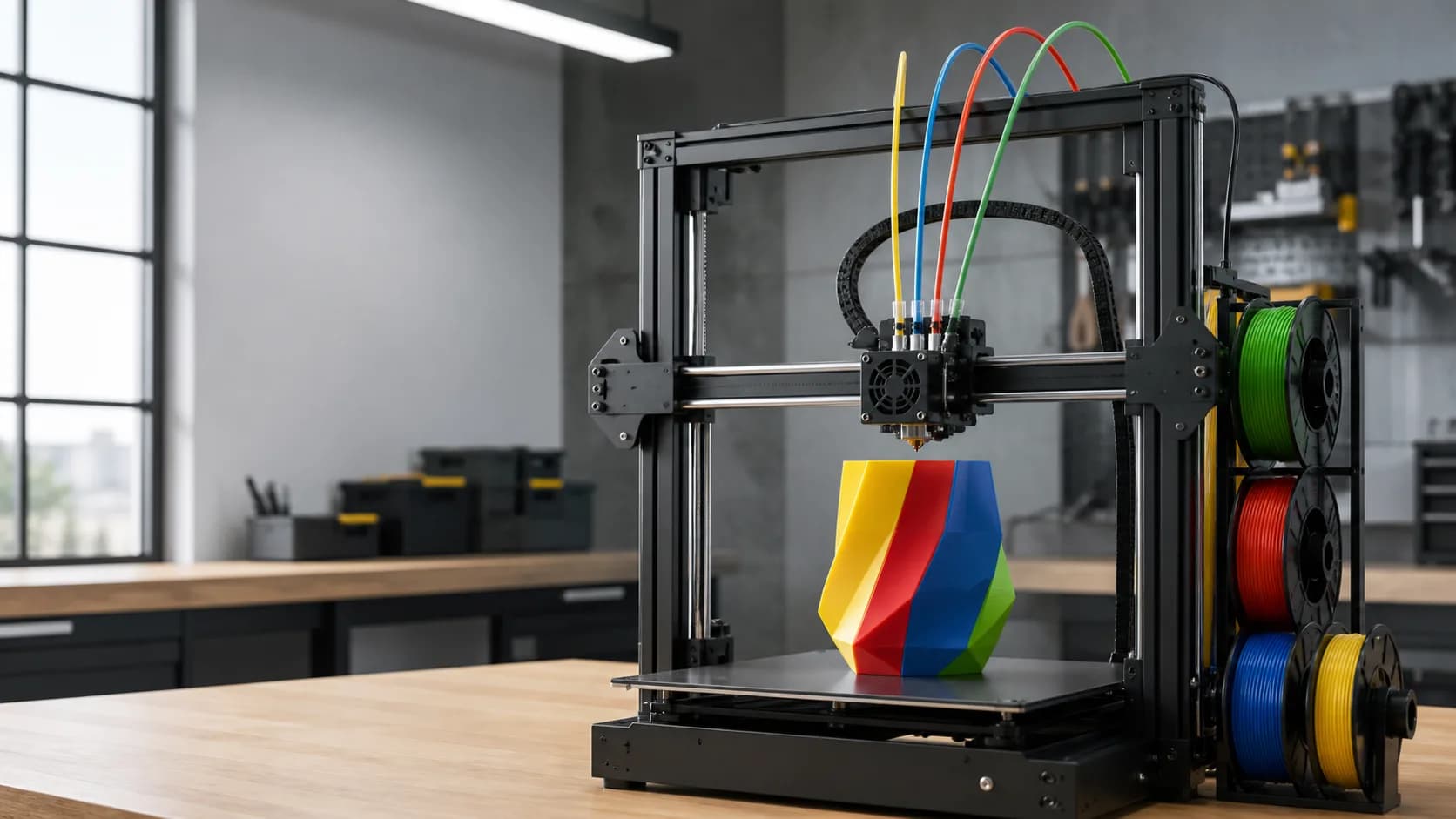
Because we're talking about it now
In Google searches in Italy, “Anycubic Kobra X” has shown sudden growth in the last twelve months. It is a sign of interest, not a measure of sales, but it tells a good story: multicolor 3D printing is becoming more accessible even outside professional laboratories. Kobra X was created precisely for this scenario. The system supports four colors in standard configuration and is expandable, while the declared print volume is 260 × 260 × 260 mm. The recommended speed is 300 mm/s, with a declared maximum of 600 mm/s. These are interesting numbers, but the real quality always depends on the material, geometry of the piece, profile and maintenance.
Multicolored: more possibilities, but also more waste
A multi-color print is not simply a traditional print with additional rolls. At each material change, the machine must eject the previous filament to avoid chromatic contamination. This purge generates a “cleaning tower” or waste material. Before starting a project it is therefore worth asking yourself if each color change really adds value. Logos, signage, instructional templates, and components with different functional zones are great candidates. On a highly segmented decorative object, however, hundreds of changes can significantly increase time and consumption.
How to reduce waste
The first method is to orient the model so that areas of the same color remain concentrated on groups of layers. The fewer alternations there are, the fewer purges will be needed. If possible, multiple copies of the same object can be printed in the same batch: the purge is distributed over more pieces and weighs less on the unit cost. In slicing software it is also useful to optimize purge volumes. Similar colors typically require less material than switching from a very dark filament to a light one. Automatic settings are a good starting point, but a little testing helps avoid excessive values. Another strategy is to use some of the transition material in internal infill or supports, when the software and design allow. The external surface remains clean, while a portion of the purged material becomes a useful part of the piece.
Materials and temperature
The official data sheet indicates compatibility with PLA, PETG, TPU, PVA, PLA-CF, PETG-CF and ASA, with nozzle up to 300 °C. This does not mean that all materials are equivalent. For multicolor it is better to start with spools of the same family, possibly from the same manufacturer and with similar parameters. Mixing materials with very different temperatures, adhesion or shrinkage can create delaminations and defects. The TPU also requires particular attention in the filament feed path. The loaded filaments must be dry: humidity and irregular drag worsen both the surface and the reliability of the changes.
A practical procedure before the long print
Before a major job, print a small sample with the same colors. Control contamination, layer adhesion and transition accuracy. Then weigh the purge tower and sample: you will have a concrete reference to estimate the consumption of the final project. Check that the spools spin fspooly and that the filament is not crossed. Clean the print bed, check the nozzle and let the automatic leveling complete the calibration. The machine integrates features like LeviQ 3.0 and AI spaghetti detection, but these aids are no substitute for good preparation.
When it's really convenient
A multicolor printer makes sense when color eliminates assembly, paint or labels, or makes the part more readable and functional. For single-color prototypes and purely mechanical parts, a simple setup is often faster and cheaper. The best choice does not arise from the maximum number of colors, but from the entire workflow: well-designed model, verified profile, suitable spools and purging strategy. With these elements, multicolor becomes a productive tool and not just a visual effect.
3D filament offers for multi-color projects
Multicolor printing uses multiple spools and may generate purging waste. Planning the purchase therefore helps to control the overall cost. **MORE5KG** is active on the ADIVO shop, with a 5% discount for at least 5 kg of materials, and **MORE10KG**, with a 10% discount for at least 10 kg. Only one code can be applied per order. Each customer can use each code up to three times. To make the most of the offer, choose filaments that are compatible with each other and purchase quantities consistent with the colors actually present in the projects.